
Preparing Your Organization for What’s Next
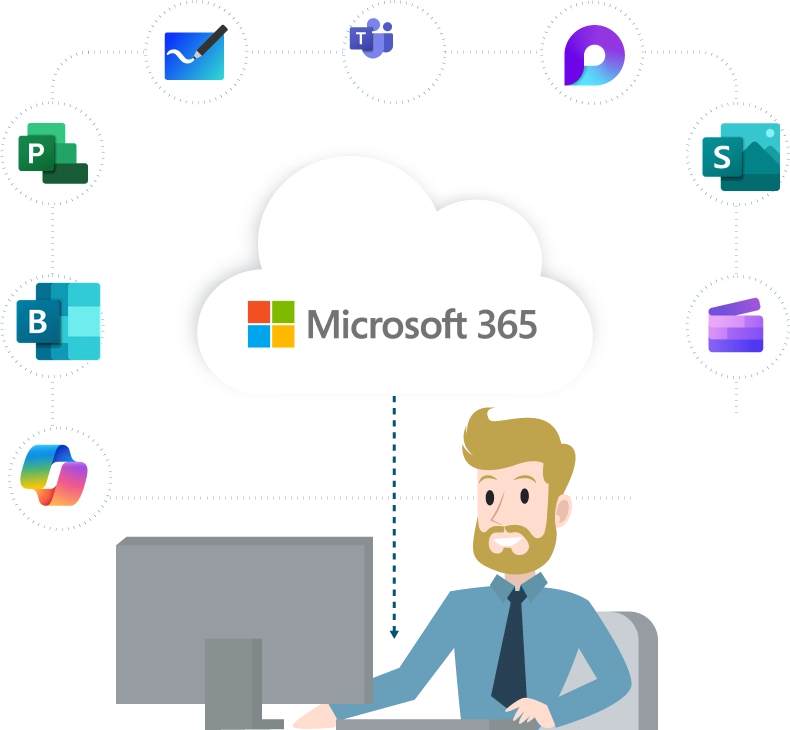
Is your nonprofit organization currently taking advantage of Microsoft 365 Business Premium or Office 365 E1 grants? If so, there’s critical information from Microsoft that should be on your radar. Microsoft is making changes to its nonprofit grant program, and it’s essential to understand how these updates may impact your organization.
Effective July 1, 2025, Microsoft will begin retiring the Microsoft 365 Business Premium and Office 365 E1 grant offers available through the Cloud Solution Provider (CSP) and Web Direct channels. If your organization relies on these licenses, you should be planning for what comes next.
Keep reading to learn more about the change and your available options moving forward. As a technology partner, our team at High Touch is happy to answer any questions you may have about this transition.
Why Is Microsoft Making This Change?
Microsoft regularly evaluates its nonprofit offerings to simplify licensing and enhance access to its most widely used tools. The decision to retire these grants is part of a broader effort to streamline the nonprofit grant portfolio and focus on solutions that meet the needs of most organizations.
According to Microsoft’s Tech for Social Impact (TSI) team, more than 98% of the nonprofits they serve have fewer than 300 full-time employees. As a result, Microsoft is consolidating its free and discounted offers to ensure clarity and consistency for smaller organizations.
What’s Changing With the Microsoft Nonprofit Grant Program?
If your nonprofit is currently using the Microsoft 365 Business Premium or Office 365 E1 grant offer through CSP or Web Direct, here’s what you need to know:
- The existing grant offers will be retired starting July 1, 2025.
- You can continue using your current grant until your next renewal on or after July 1, 2025.
- At renewal, eligible nonprofits can transition to:
- Up to 300 granted licenses of Microsoft 365 Business Basic, or
- Discounted licenses—up to 75% off—for Microsoft 365 Business Premium and Office 365 E1.
These updates only apply to the free grant offers. Paid licenses are not affected.
What Are the Available Options Moving Forward?
Depending on your nonprofit’s size, goals, and technical needs, you may choose one of the following paths.
Microsoft 365 Business Basic (Grant)
This grant includes up to 300 free licenses and provides core tools for communication, collaboration, and data storage. It’s an excellent solution for organizations that do not require desktop apps or advanced security features.
Key features include:
- Web and mobile versions of Word, Excel, PowerPoint, and Outlook
- 50 GB Outlook mailbox with custom business email
- Microsoft Teams for meetings and chat
- SharePoint and Bookings
- 1 TB of OneDrive cloud storage per user
- Microsoft 365 Copilot Chat with AI-powered assistance
Microsoft 365 Business Premium (Discounted)
Eligible nonprofits can receive up to a 75% discount on Microsoft 365 Business Premium, which offers advanced security, device management, and desktop versions of Office applications.
Key features include:
- All features of Business Basic, plus:
- Desktop apps for Word, Excel, Outlook, and more
- Enterprise-grade security, device protection, and endpoint management
- Microsoft 365 Copilot, Power BI, and Azure credits
- Tools for user identity, access management, and compliance
Important! Data Retention Timeline
After your organization’s final renewal date, you will have a 30-day grace period to access and back up your data. If you do not take action, Microsoft will follow standard data deletion protocols after 60 days.
What Should Your Organization Do Next?
- Review Your Current Licensing. Are you a nonprofit organization using Business Premium or Office 365 E1 grants through CSP or Web Direct?
- Check Your Renewal Timeline. If your renewal is on or after July 1, 2025, you’ll need to transition before that date.
- Evaluate Your Users and Technology Needs. Business Basic may meet your needs, or it may be time to consider investing in Business Premium.
- Reach Out for Guidance. Microsoft and trusted partners, such as High Touch Technologies, can help you navigate your transition options.
- Plan Early. If your organization is affected, the best time to act is right now. Transitioning your licenses in advance can help minimize disruptions and maintain business continuity—contact us to learn more.
We Make Things Easier.
At High Touch Technologies, we understand the unique challenges that nonprofits face in managing IT infrastructure, budgets, and compliance. As a trusted Microsoft partner, we’re here to help you evaluate your licensing needs, explore grant and discount opportunities, and ensure a smooth transition to the right Microsoft 365 solution for your organization.
Whether you’re looking to switch plans, improve security, or better align your IT strategy with your mission, our team is here to help.