
Quishing Scams Are on the Rise
When was the last time you scanned a QR code?
If you’re like most people, it probably wasn’t that long ago. QR codes have become part of everyday business, used for everything from payments to event check-ins, menus, invoices, and even internal workflows. They’re fast, convenient, and easy to trust.
And that’s exactly why cybercriminals are targeting them.
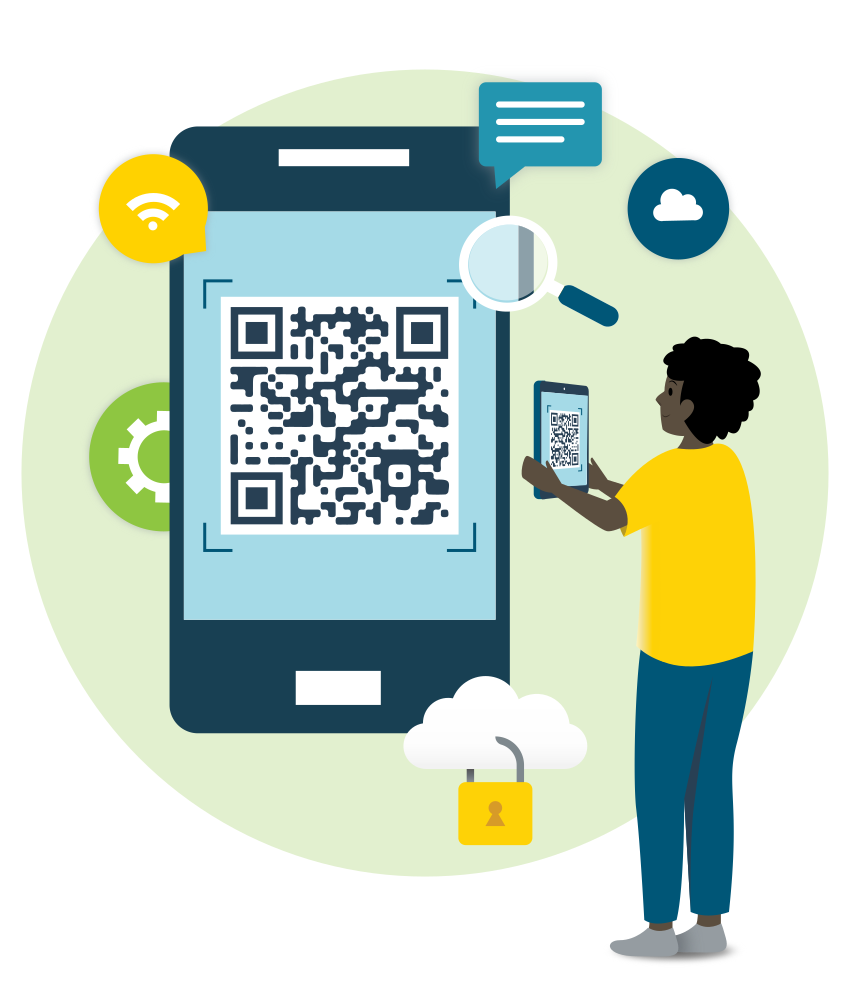
What many businesses don’t realize is that QR codes are now being used in a growing type of attack known as a QR code scam, or more specifically, “quishing” (QR phishing). Instead of sending suspicious links in emails, attackers are embedding them in QR codes, which makes them harder to detect and easier to trust.
Before you scan your next code, it’s worth taking a closer look at what exactly you’re scanning. In this blog, we’ll show you what to look out for and how to help keep your business safe.
Why Are QR Code Scams Becoming a Business Risk?
QR codes aren’t inherently dangerous, but like URLs or email links, they can be easily manipulated, and today’s cybercriminals are taking full advantage of that.
Here’s what’s changed:
This combination creates the perfect opportunity for QR code phishing attacks, where users are redirected to fake login pages, malicious downloads, or credential-harvesting sites.
How Do Quishing Attacks Work?
Whether you’ve experienced a quishing attack first-hand or not, they’re already happening in real business scenarios. Here are a few examples you should be aware of:
5 Things To Consider Before Scanning Your Next QR Code
1. Consider Your Setting
Start by evaluating your source. Where is this QR code coming from? Does it make sense to have a QR code where you’re scanning it? For example, on a restaurant’s menu, or on a receipt, asking you to leave a review. These settings make sense.
Beware of QR codes and offers that seem out of place or too good to be true. Is it a random QR code you receive from an unknown sender in your email? Or is it a brightly-colored sticker on a wall?
If the source feels off, trust your instincts.
2. Look Out for Stickers Covering QR Codes
One of the most common QR code scam tactics is surprisingly simple: attackers place a fake QR code sticker over a legitimate one.
It’s the equivalent of a credit card skimmer. At first glance, everything looks normal, but behind the scenes, you’re being redirected somewhere completely different.
This type of tampering can show up in places you interact with every day, including:
Don’t assume a sticker means the code has been “updated.” If anything looks out of place (like uneven placement, layering, or poor print quality), it’s worth pausing.
If you’re unsure, verify the code with the business or organization before scanning. If you can’t confirm the code’s legitimacy, it’s safer to avoid it altogether.
3. Consider Why You’re Scanning a QR Code
Not every QR code deserves your attention.
Before you scan, take a second to ask yourself, “Why am I being asked to do this?” Does the QR code align with what you were expecting, or does it feel random, urgent, or out of place?
Cybercriminals rely on curiosity and convenience to get quick clicks, or in this case, quick scans. A QR code that promises a deal, requests immediate action, or appears in an unexpected message should raise a red flag.
As a rule of thumb, if you weren’t already planning to take that action, whether it’s logging in, making a payment, or downloading something, it’s worth stopping and verifying first.
4. Use Trusted Tools
It’s not just the QR code you need to be cautious of—the app you use to scan it matters too.
Some third-party QR code scanner apps request unnecessary permissions or may expose you to additional security risks, including data collection or malicious redirects. In some cases, these apps can create another layer of vulnerability beyond the QR code itself.
Most modern Apple and Android devices already include a built-in QR code scanner through the native camera app. These built-in tools are generally more secure, regularly updated, and designed with your device’s security in mind.
5. Consider Another Way To Make a Payment
If a QR code is asking you to make a payment, it’s worth slowing down.
QR code scams are increasingly used to redirect users to fraudulent payment pages or intercept transactions, especially in environments where speed and convenience are expected.
Before proceeding, ask:
Whenever possible, use verified payment methods you’re already familiar with, such as logging directly into your bank, using a known payment platform, or accessing the vendor’s official website.
QR Code Security Requires a Layered Approach
Awareness is a great starting point, but it’s not enough on its own. Working with a Managed Service Provider (MSP) or cybersecurity partner (like High Touch) can help make a meaningful difference to your organization’s security strategy.
Today’s threats need a defense-in-depth, layered cybersecurity strategy, including:
FAQ: QR Codes and Quishing
We Help Keep Your Business Safe.
QR code scams are just one example of how quickly the threat landscape is evolving. Staying protected requires more than reacting—it requires a proactive approach.
At High Touch Technologies, we help businesses strengthen their defenses through:
If you’re unsure where your vulnerabilities are (or how to protect your team), we’re here to help. Contact us today to start the conversation.